
- Click on the “Book an Appointment” Link in the menu or Click HERE
- If you are a new customer, click the Pink “Create Log In” Button
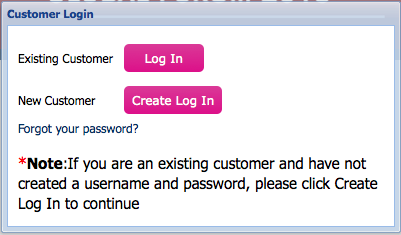
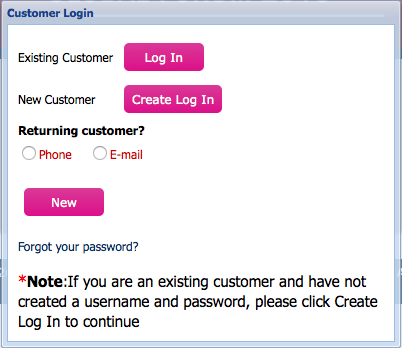
- Click the Pink “New” Button
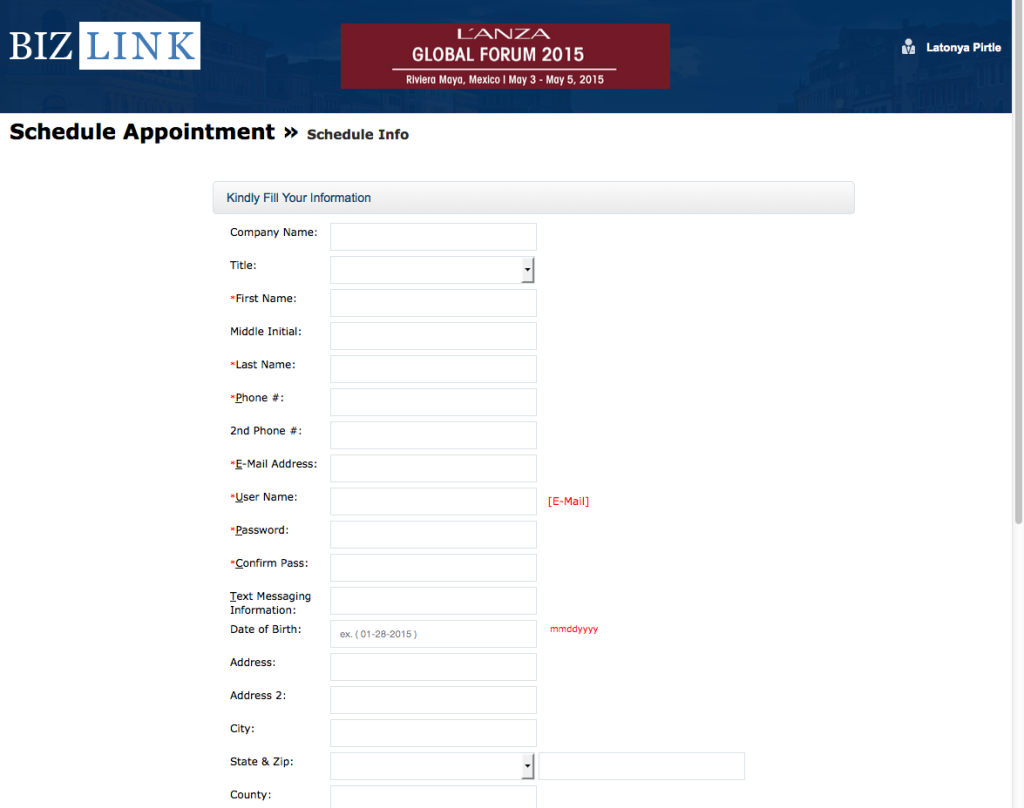
- Fill in your information of the “Schedule Appointment” Page
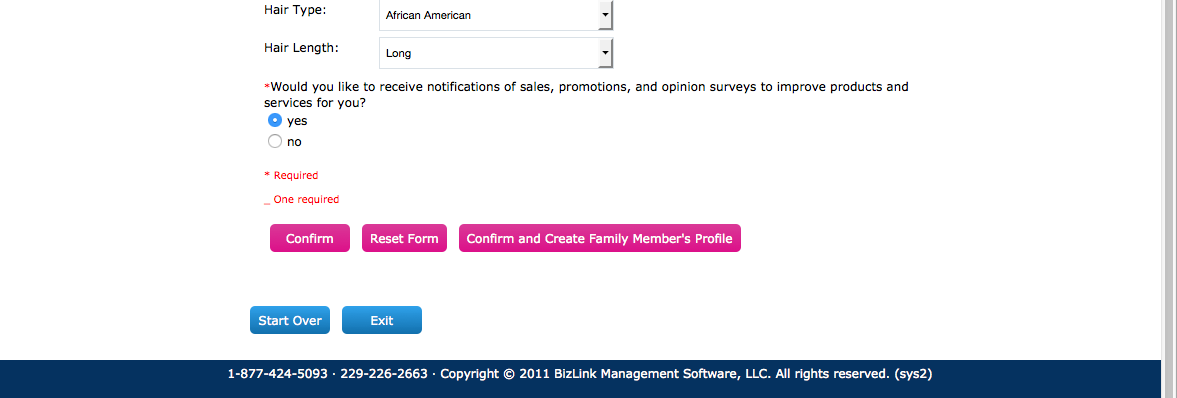
- Once you are done filling out your information, hit the pink “Confirm” button.
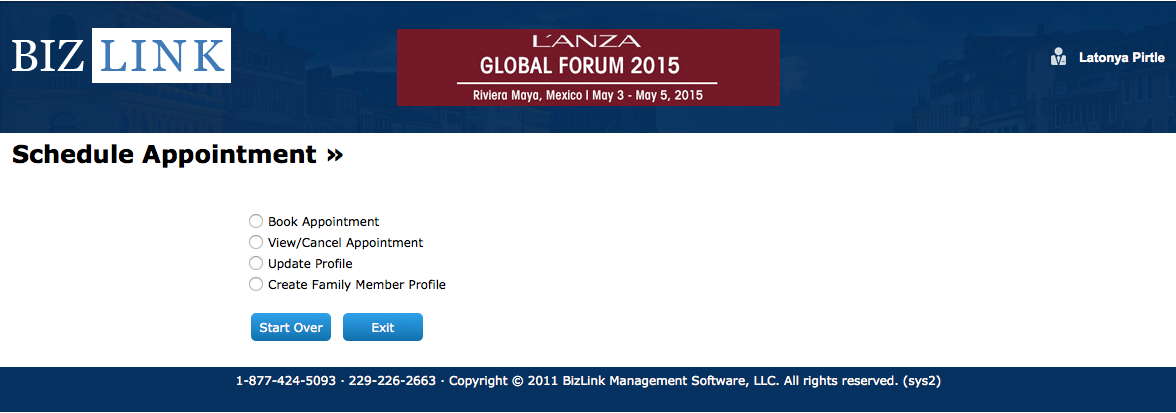
- Click the “Book Appointment” Option.
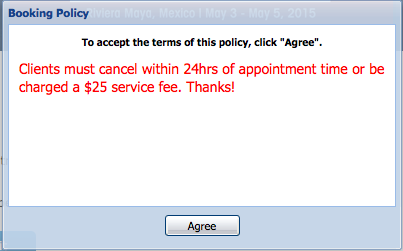
- After reviewing our Booking Policy, click the “Agree” Button.
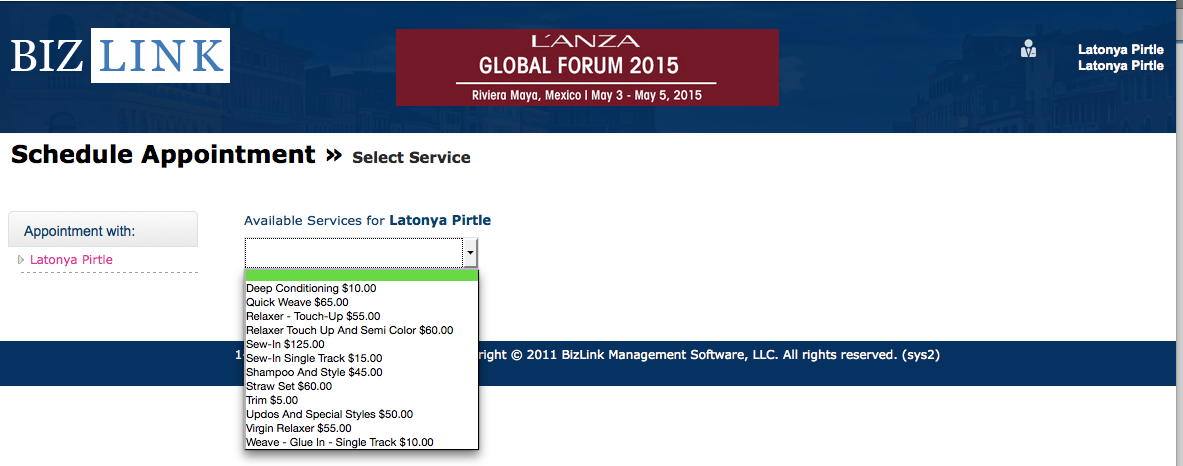
- Select the desired hair service for the dropdown Menu.
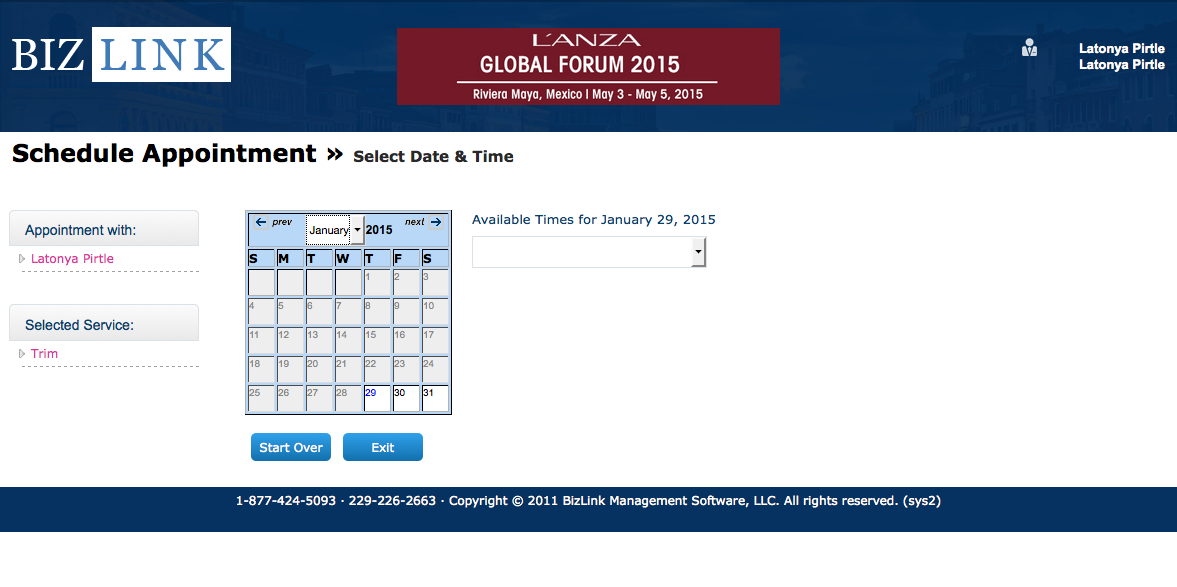
- Select the available date and time that you would like to schedule for your appointment.
- Your Appoinment is confirmed!


Comments 1
This is a very nice site. I’m trying to register but not accepting my emails